Staff, roles & security
Give everyone a login without giving away your numbers.
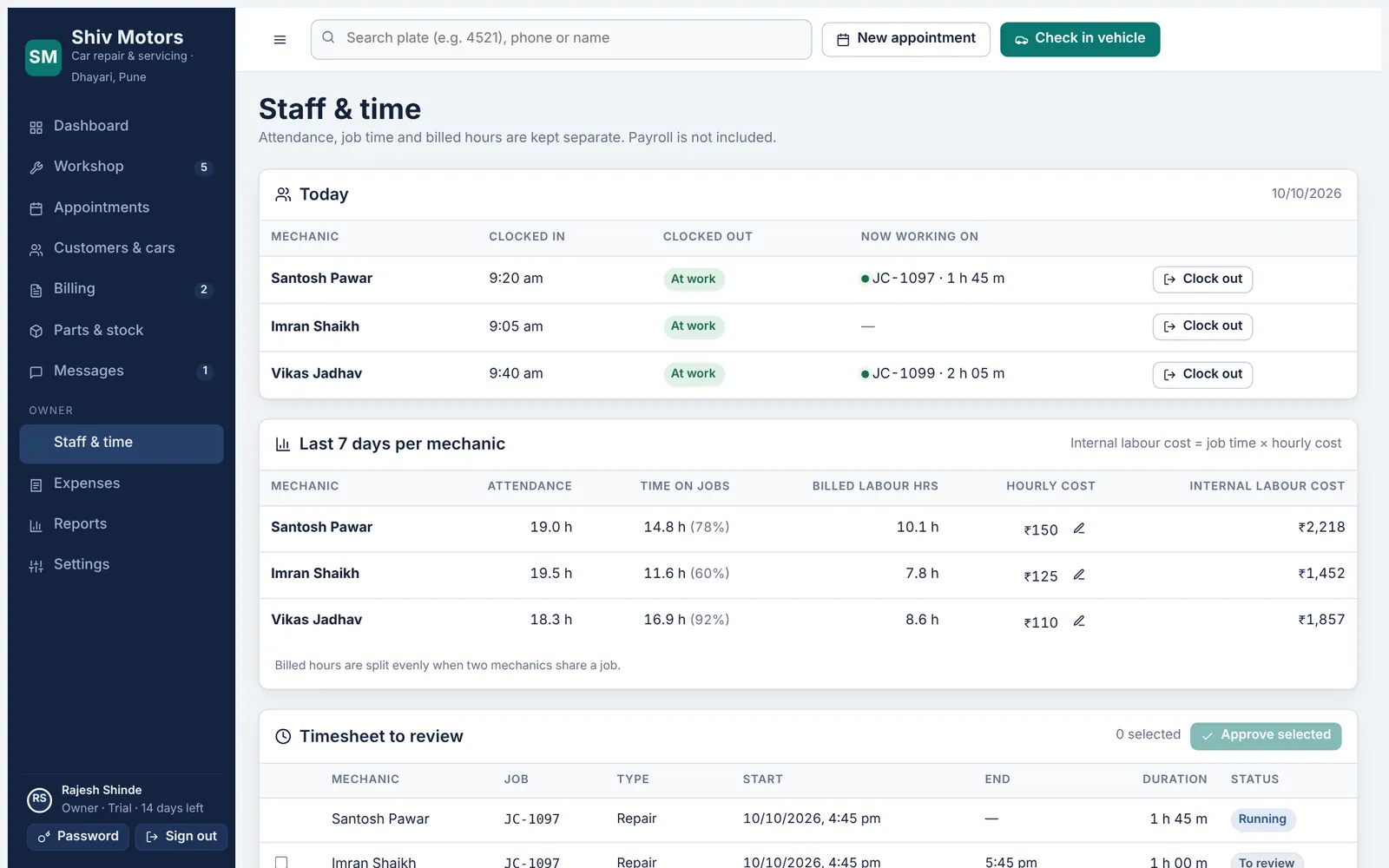
The owner adds service advisors with a password and mechanics with a PIN. Advisors run the front desk but do not see costs, expenses or reports. Mechanics see only their assigned cars and never see prices or customer phone numbers. Deactivating someone signs them out everywhere at once. Every change is recorded in an audit log, and each garage’s data is kept separate and checked on the server for every request.
Included in every plan, from Starter up.
What you can do
Three roles
Owner, service advisor and mechanic, each with its own permissions.
Mechanic PINs
6-digit PINs; obvious PINs like 123456 are refused.
Account lockout
Five wrong passwords or PINs lock the account for 15 minutes.
Instant sign-out
Deactivated staff are signed out on every device immediately.
Audit log
Who changed what and when, for every record.
Your data, separated
Each garage’s records are kept apart and access is checked on every request.
How it works
- Add staff in Settings → Staff & logins.
- Tell each person their PIN or password in person.
- They sign in on their own phone or computer.
- Deactivate anyone who leaves.
Good to know
How many logins do I get?
Up to 4 on Starter, 10 on Growth and unlimited on Pro.
Can I see who changed an invoice?
Yes. The audit log records every change with the person and time.
Where is my data stored?
On our hosting provider’s servers with encryption in transit. See the Data & security page for details.
Try staff, roles & security in your garage
Free for 14 days with every feature. Setup takes about ten minutes: add your mechanics, then check in a car.