Appointments & online booking
Know who is coming in today, and never overbook a slot.
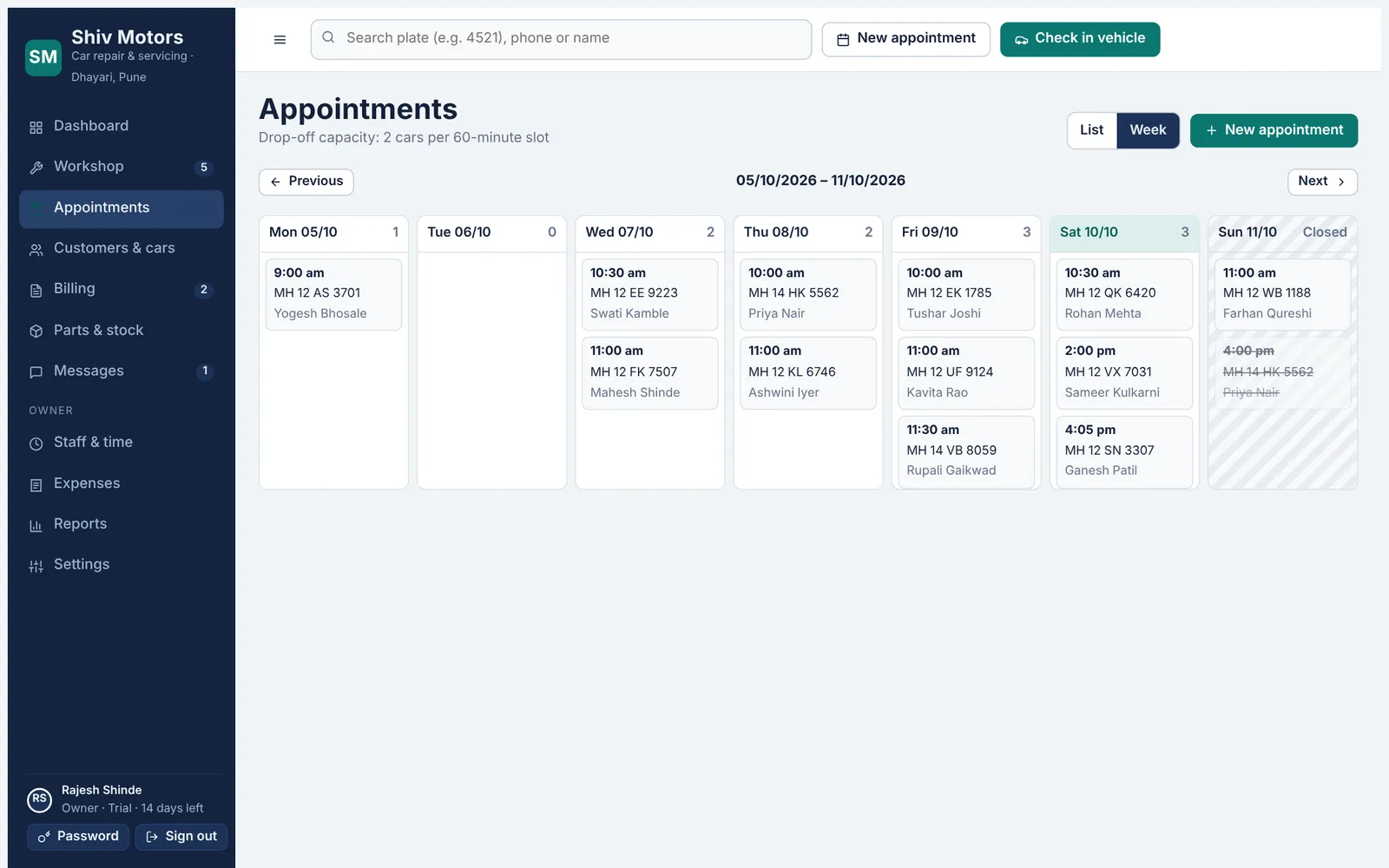
Book cars by day or week against your real working hours. Set how long a slot is and how many cars you can take at once, and the calendar warns you before you overbook. Share your online booking link and customers can pick a free slot themselves; the request lands in your calendar straight away.
Included in every plan, from Starter up.
What you can do
Day and week views
See every booking with the car, the customer and the reason for the visit.
Slot capacity
Set slot length and cars per slot. Full slots are flagged before you save.
Working hours
Closed days and opening hours are respected by the calendar and the booking link.
Online booking link
Customers choose a service, date and free time on their phone. No account needed.
Reschedule, cancel, no-show
Every change keeps a history with who did it and why.
Check in from the booking
When the car arrives, one tap opens check-in with the customer and car filled in.
How it works
- Set your working hours, slot length and cars per slot in Settings.
- Book from the counter, or share your booking link on WhatsApp or Google Maps.
- Confirm the booking with a prepared WhatsApp message.
- When the car arrives, tap Check in.
Good to know
Do customers need to download anything to book?
No. The booking link opens in any phone browser. They enter their name, mobile number, car registration and pick a free slot.
Can I switch online booking off?
Yes. Untick “Accept online bookings” in Settings and the link shows a message asking customers to call you.
What stops two people booking the last slot?
Slots are checked again on the server at the moment of booking, so a slot that just filled up cannot be taken twice.
Try appointments & online booking in your garage
Free for 14 days with every feature. Setup takes about ten minutes: add your mechanics, then check in a car.